8BitDo Ultimate 2C Wireless Controller
Hall-effect sticks, extra L4/R4 bumpers, and low-latency 2.4G wireless input recognized directly by Savage Wind Recomp's SDL3 gamepad layer.
Prepare a clean, writable directory, verify your legally owned Switch v1.9.0 exefs/ and romfs/ structure, keep Expansion Pass DLC folders separate, and complete the one-time local C recompilation.
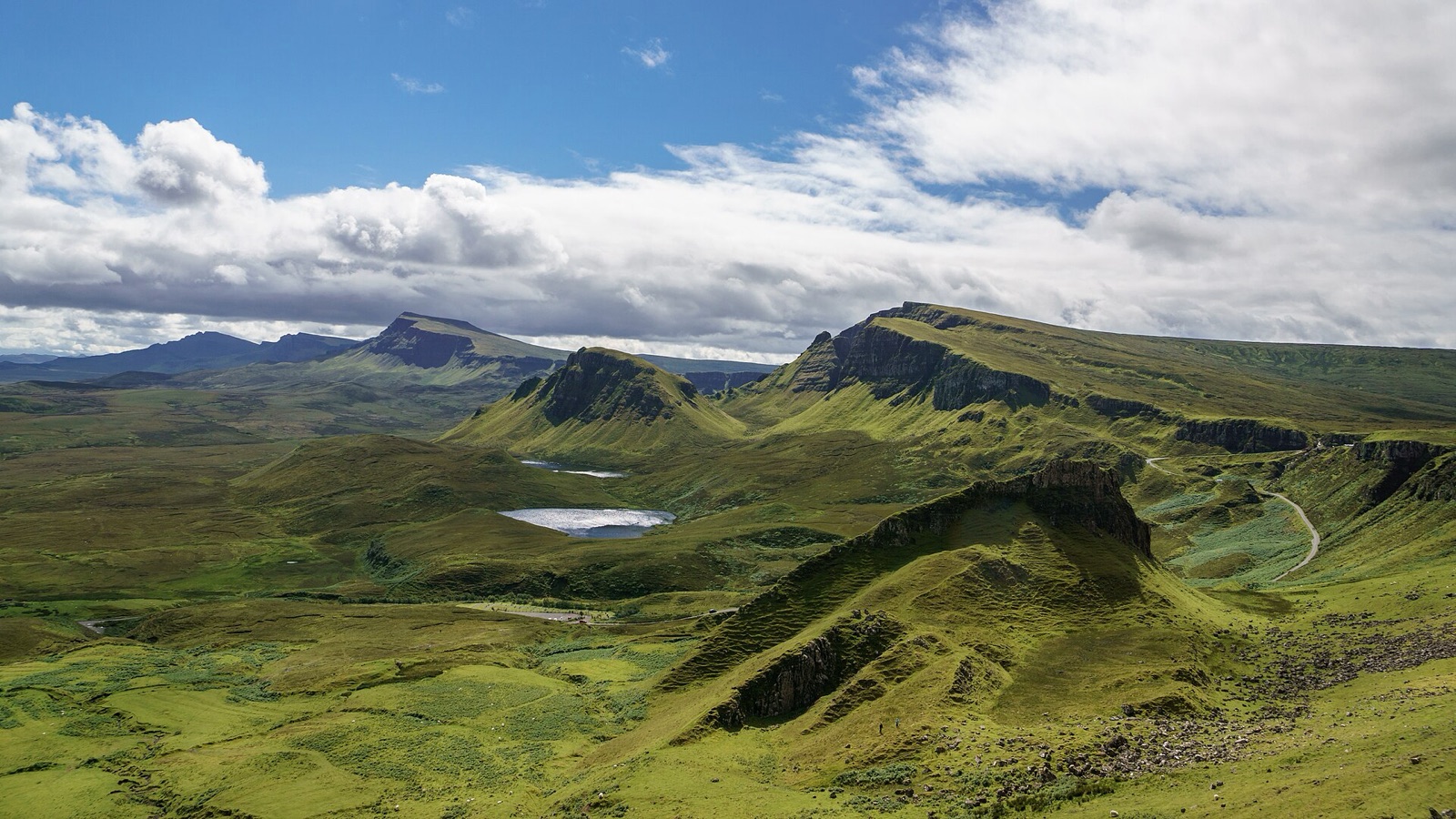
Verify CPU instruction support, Vulkan 1.3 driver readiness, and available disk space before starting the local compiler.
| Component | Minimum baseline | Recommended desktop / handheld | Technical notes |
|---|---|---|---|
| Operating system | Windows 10 x64 or Linux x86-64 (glibc 2.35+) | Windows 11 x64 or SteamOS 3.8+ / Fedora / Arch / Ubuntu 22.04+ | Run Linux via the native AppImage; running Windows builds under Wine or Proton is unsupported. |
| Graphics card & API | Vulkan 1.3 capable GPU & current driver | NVIDIA RTX 20/30/40/50, AMD RX 6000-9000, or Steam Deck RADV | Vulkan 1.2-only cards (such as GeForce GT 730 or legacy Windows GCN drivers) cannot initialize the renderer. |
| Processor (CPU) | x86-64 CPU with SSE4.2 (2008+) | 6+ core CPU with AVX2 and FMA (Ryzen 5000+ / Intel 12th Gen+) | CPUs without AVX2/FMA automatically compile a slower x86-64-v2 compatibility library. |
| Memory & storage | 16 GB system RAM & 20 GB free writable space | 16-32 GB RAM & NVMe SSD outside cloud-synced folders | Never place Windows builds inside Program Files, OneDrive, or Dropbox where file locks interrupt compilation. |
Savage Wind Recomp requires your own legally owned Switch v1.9.0 game files, as documented in the upstream project README. It never opens encrypted archives or performs decryption. Point setup at a folder containing exefs/ and romfs/ directly:
game-source/
  exefs/   main, main.npdm, rtld, sdk, subsdk0 (Switch v1.9.0)
  romfs/   complete base + v1.9.0 update merged (exact 41,062 files)
  aoc1/    optional DLC pack 1 RomFS (~7,000 files, System/AocVersion.txt)
  aoc2/    optional DLC pack 2 RomFS (1 file: System/AocVersion.txt)
Critical Divine Beast rule: never merge Expansion Pass files into romfs/! A merged romfs/ (~47,700 files) boots to the title screen, but triggers an infinite loading screen after defeating a Divine Beast boss. Keep romfs/ at exactly 41,062 files and keep aoc1/ and aoc2/ separate so "DLC Ver.3.0" activates cleanly.
windows.zip to C:\Games\SavageWind, or run chmod +x on the Linux .AppImage.exefs/ and romfs/, and click Set up game files.savagewind --prepare --game <folder> to build the game library before first window launch.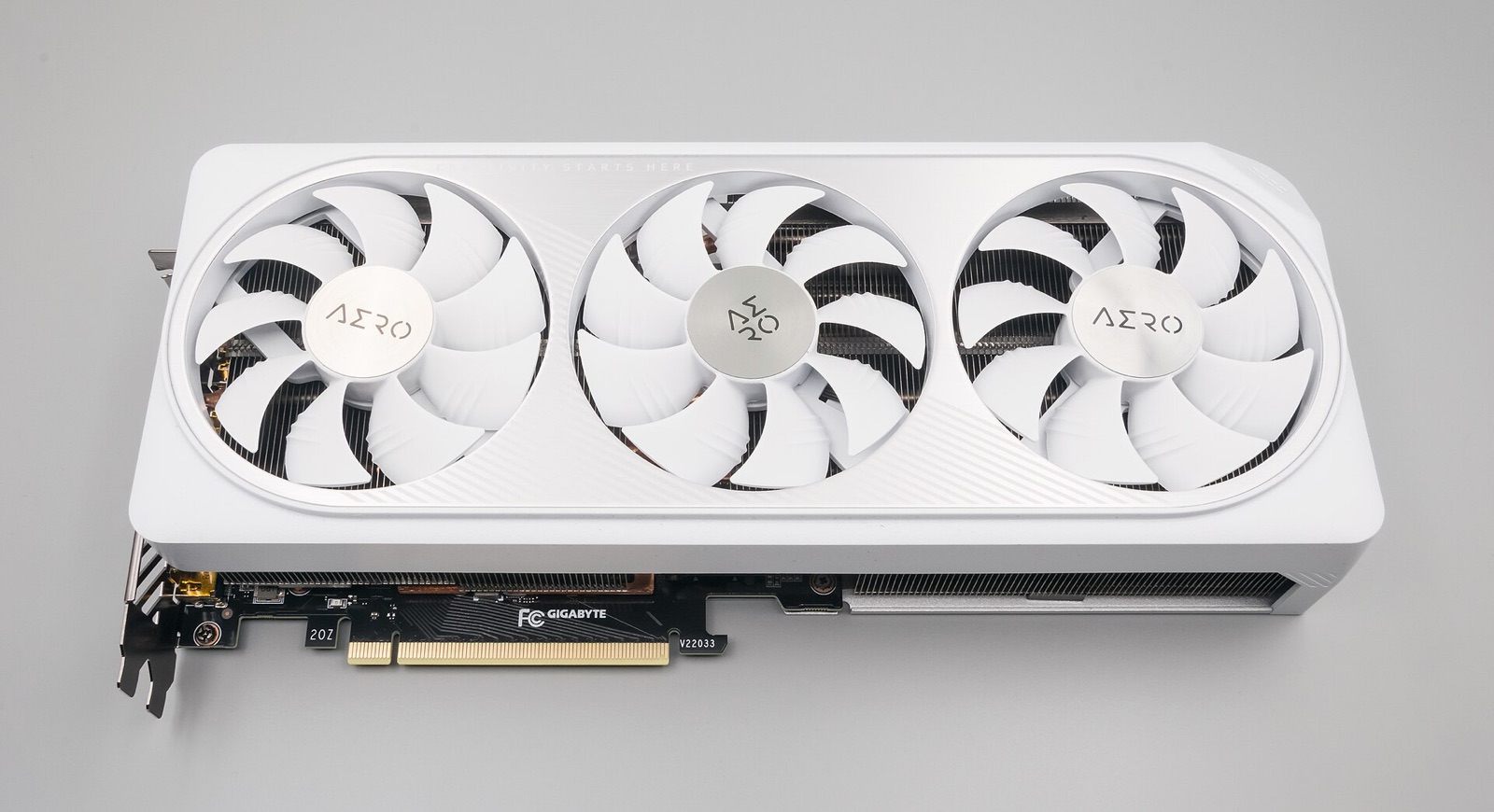
Confirm your downloaded windows.zip or .AppImage matches the upstream GitHub release digest before running first-time compilation.
Progress, rolling startup backups (last 5 kept automatically), and multiple playthrough profiles live inside your Savage Wind data root:
save\ directly beside savagewind.exe.~/.local/share/savagewind/save/ (or $XDG_DATA_HOME/savagewind/save/).SAVAGEWIND_DATA_ROOT to an absolute writable path on a secondary SSD or SD card and copy extracted/, save/, and savagewind.ini into it.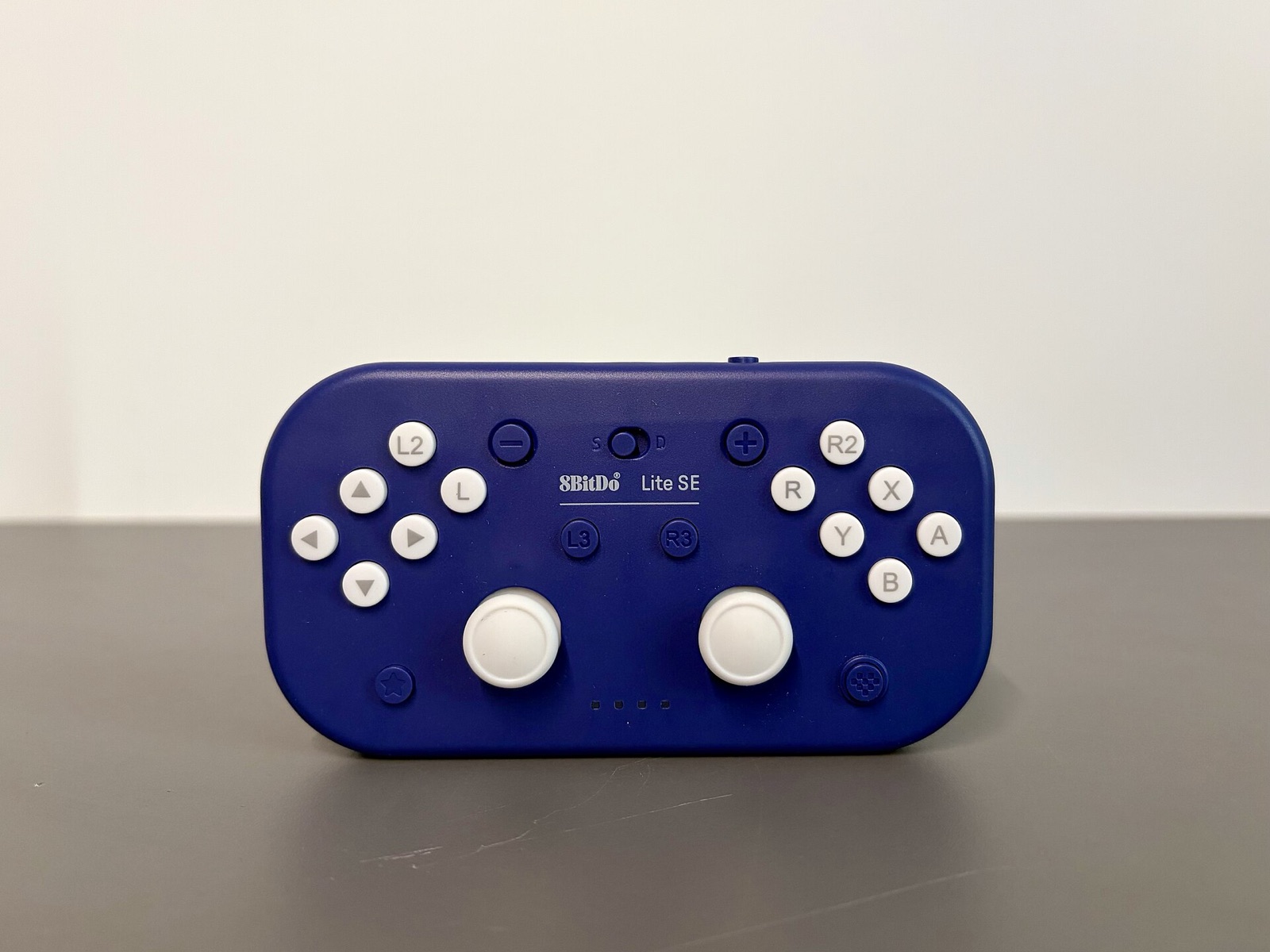
Savage Wind Recomp uses SDL3 to read native gyroscopes, Steam Input hidden sensors, and Cemuhook DSU servers while matching on-screen button prompts automatically.
Hall-effect sticks, extra L4/R4 bumpers, and low-latency 2.4G wireless input recognized directly by Savage Wind Recomp's SDL3 gamepad layer.
Drift-free Hall sensors, swappable ABXY layout (button_layout = nintendo or xbox), and Switch-mode gyro for bow aiming and tilt shrines.
Symmetrical dual-stick controller with hardware Switch/X-Input mode switch, native 6-axis motion sensors over Bluetooth, and rear paddles for sprint/jump.
TMR electromagnetic sticks, 1000 Hz polling with gyro deduplication support, and native Switch Pro motion reporting on Windows and Linux.
Affiliate disclosure: As an Amazon Associate, savagewindrecomp.wiki earns from qualifying purchases at no added cost to you.
Direct technical answers grounded in the upstream SavageWindRecomp repository and documentation.
Your romfs/ directory is incomplete or missing the v1.9.0 update merge over the base game. Savage Wind Recomp checks for all 41,062 expected RomFS files up front because missing assets cause immediate runtime crashes during world streaming.
Your exefs/ executables come from an older patch such as 1.0.0 or 1.8.2 rather than Switch version 1.9.0. Only version 1.9.0 is supported.
Breath of the Wild checks for both Expansion Pass folders before enabling DLC content. If only one folder is present, the game safely runs as base-game-only without crashing; supply both aoc1/ and aoc2/ (v3.0) to enable Master Mode, Trial of the Sword, and The Champions' Ballad.
Savage Wind copies the needed data into its own extracted/ directory (unless you placed an extracted/ folder directly beside a source build for in-place dev mode). Updates reuse that internal extracted/ directory without asking for your external folder again.